 ClockJoy
See today move forward
After you set hours and pay, the home screen shows estimated earnings, a progress bar, time remaining, and how much is left to earn today.
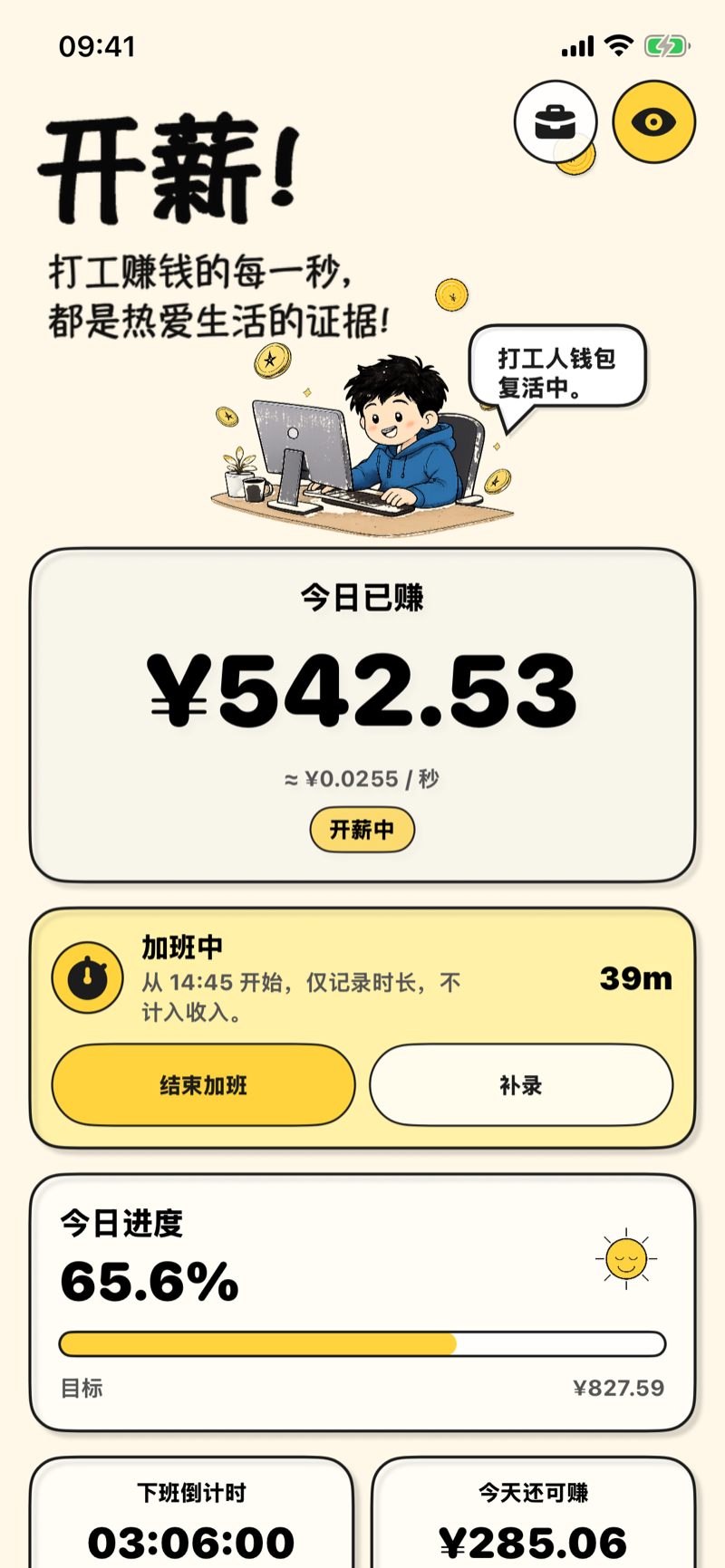
iPhone · clock-out countdown · estimated earnings
ClockJoy shows today’s estimated earnings, a countdown to clock-out, and Lock Screen widgets. It does not ask you to love work. It helps you finish the day.
Free to start. PRO is a one-time purchase. Amounts are estimates from your settings, not a paycheck.
After you set hours and pay, the home screen shows estimated earnings, a progress bar, time remaining, and how much is left to earn today.
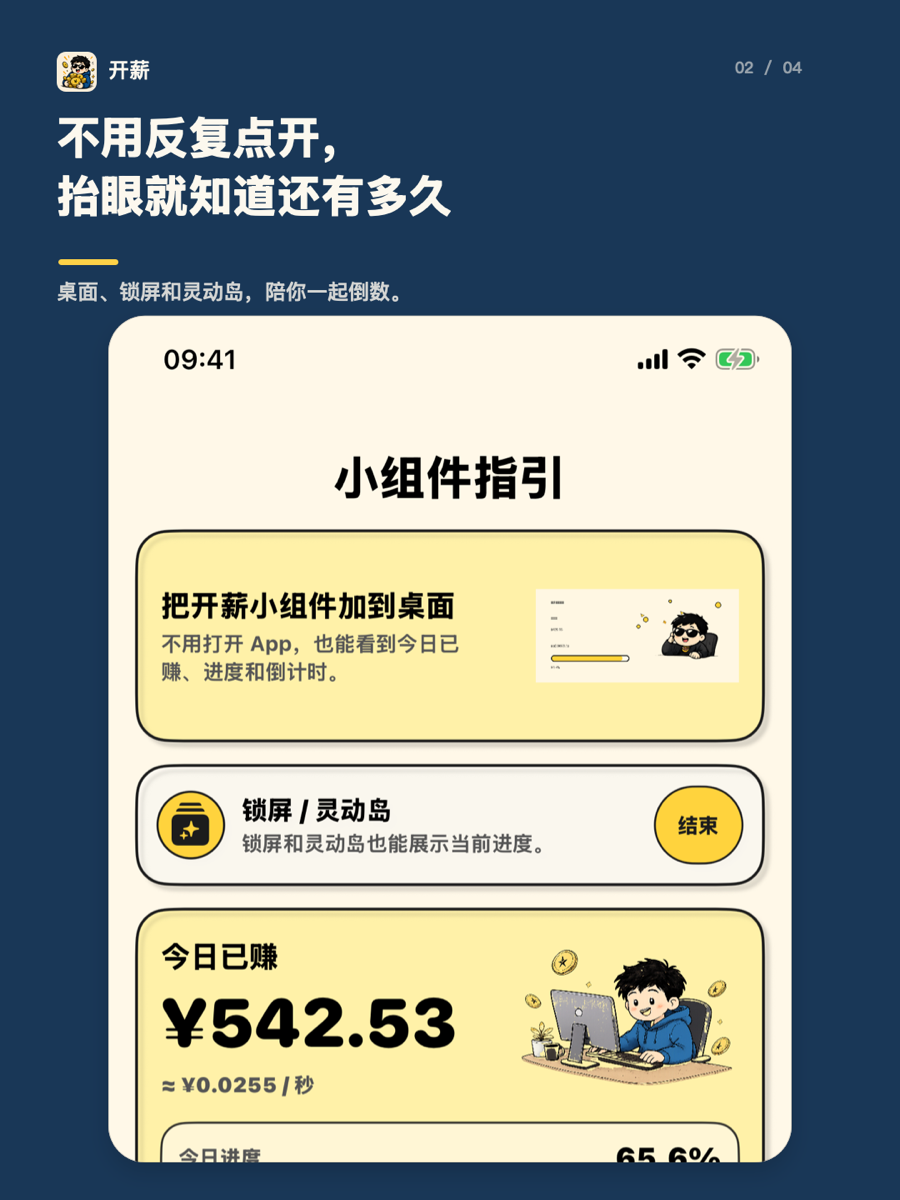
Add a Home Screen widget or follow Live Activities on the Lock Screen and Dynamic Island. You do not need to keep opening the app.
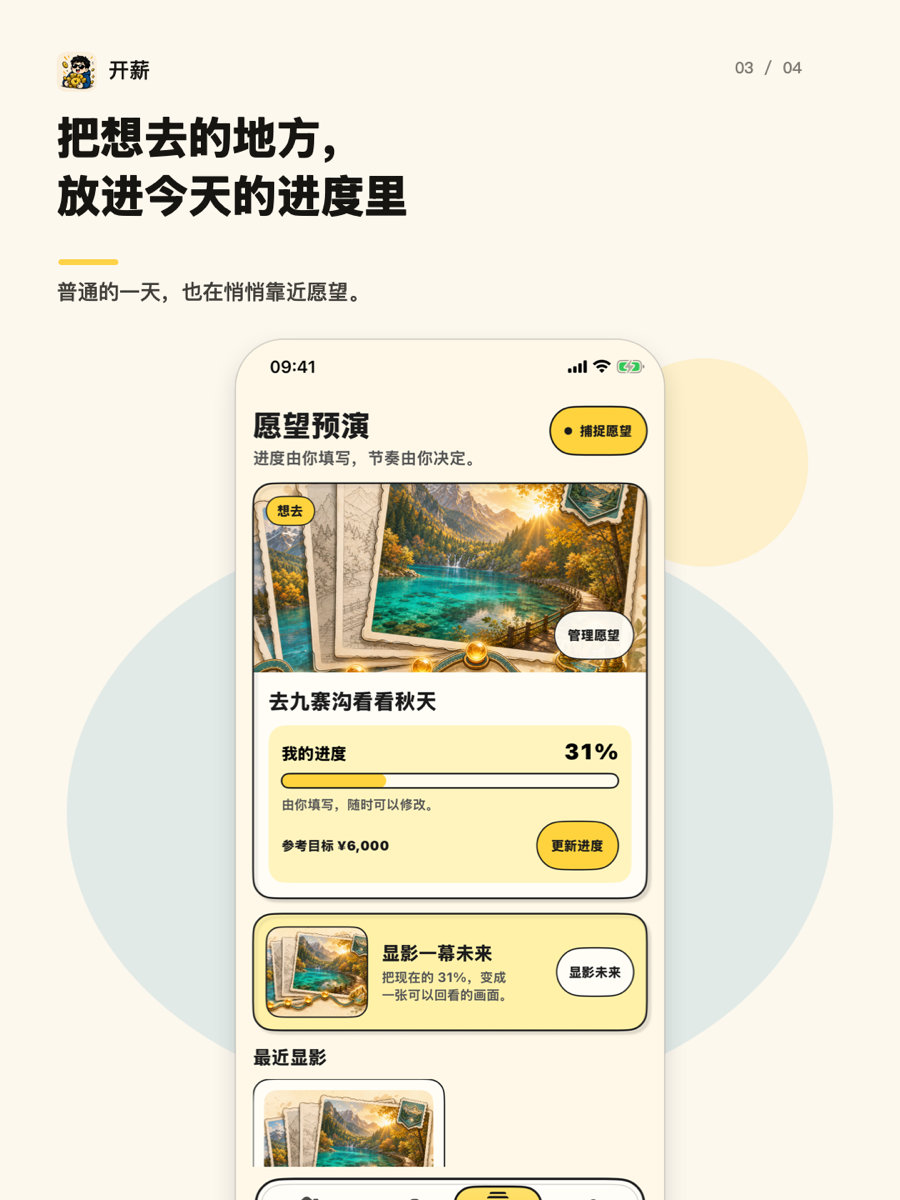
Progress on a wish is manual. Each finished workday can move it a little closer. No streak pressure, no payroll math.
People who want a visible way through a long shift: a countdown, estimated earnings, and a quieter Lock Screen companion.
Timesheets, overtime law, payroll proof, invoicing, or tax filing. Use a dedicated payroll or hours tracker for those jobs.
Start with the job you actually need: companionship, or a record you can audit.
One estimates a feeling of progress. The other tries to match a paycheck.
Widgets, Live Activities, and why iOS will not refresh every second.